


Coming soon · pre-alpha, not audited, open source

One key gone. Your bitcoin isn’t.

Three keys. No company. Your keys, your server, your bitcoin.

Trikey is a 2-of-3 bitcoin wallet that's easy to use, and no company holds a key. Your phone, your hardware wallet and your own home server: any two move your money.

Watch the film · 1:14
A tall glass office tower at night, every window lit.

For years, holding bitcoin meant a choice.

An empty corporate lobby at night, seen through glass.

Hand your keys to a company…

A single handwritten backup sheet under a desk lamp in a dark room.

…or carry the whole weight alone.

One key. One mistake. Gone.

What if you held three keys?

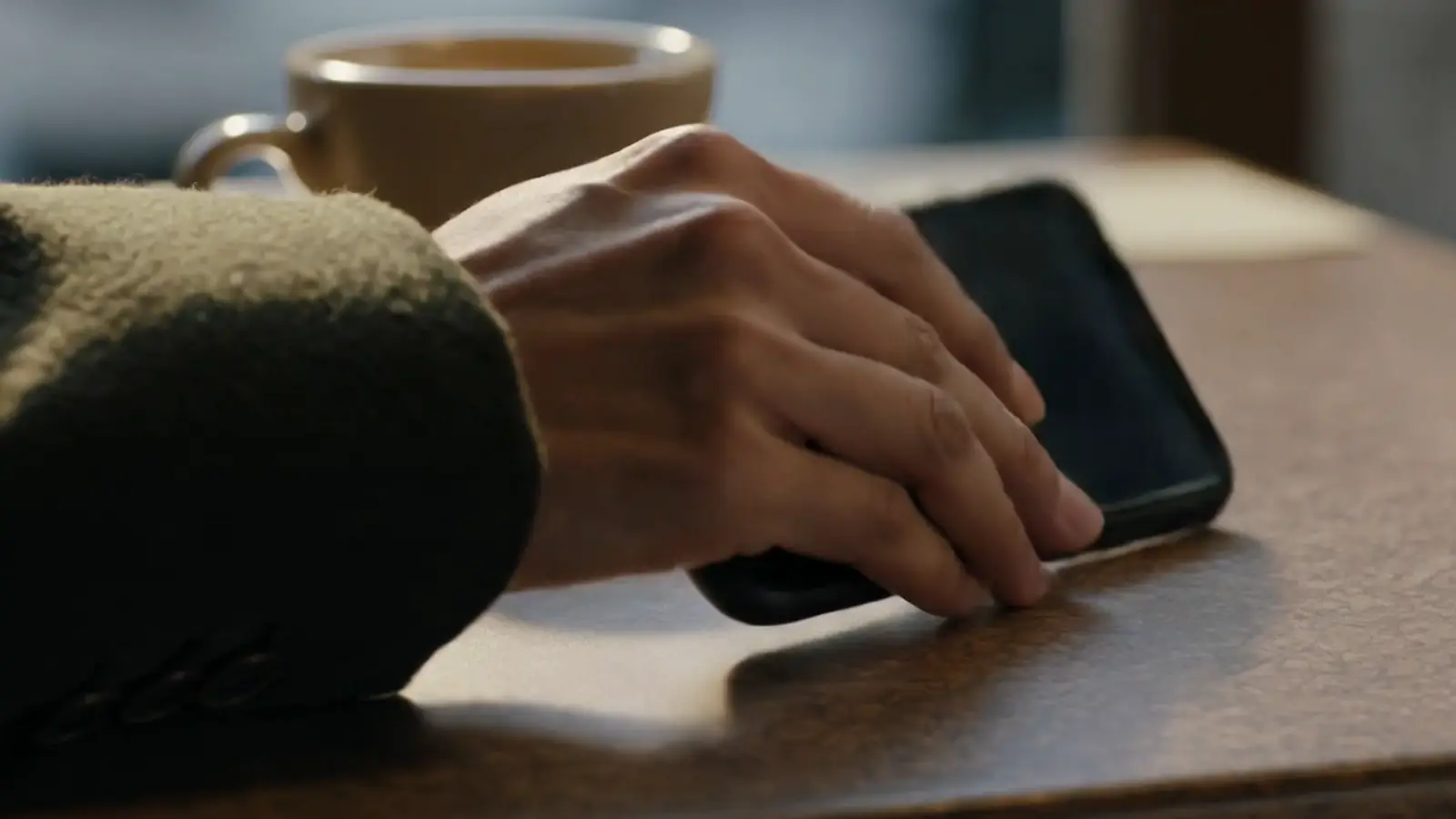
A hand reaches for a phone on a bedside table in morning light.

Key 2 · your phone

One in your pocket.

An open wooden drawer with a small black hardware wallet resting on folded linen.

Key 1 · any hardware wallet

One in a drawer.

A small grey box with a soft white light on a home bookshelf, between books and plants.

Key 3 · Trikey Guardian

One on a shelf at home.

Any two move your money.

The three keys

Each key has one job.

  1. A plain black phone, screen off, on linen.

    Key 2

    Your phone

    Everyday payments with Face ID. The key sits behind your phone's biometrics, with an encrypted backup in your own cloud that a passkey unlocks.

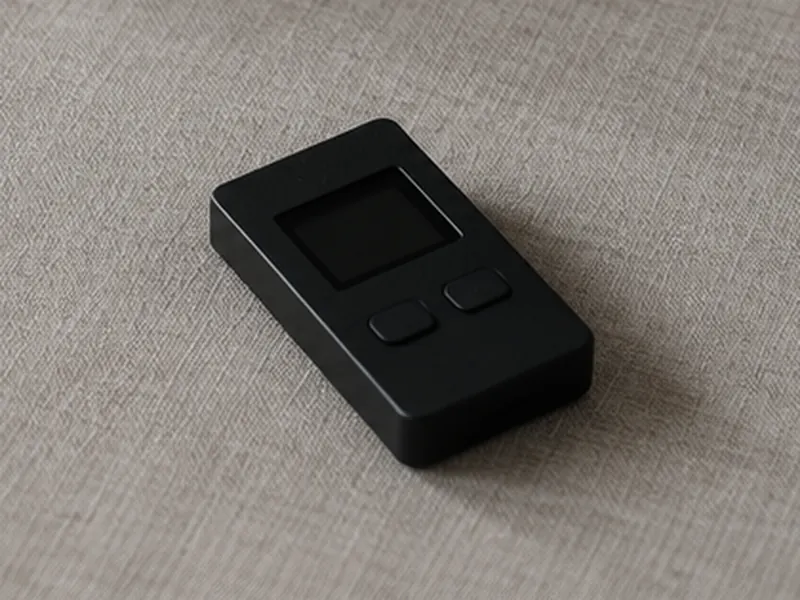
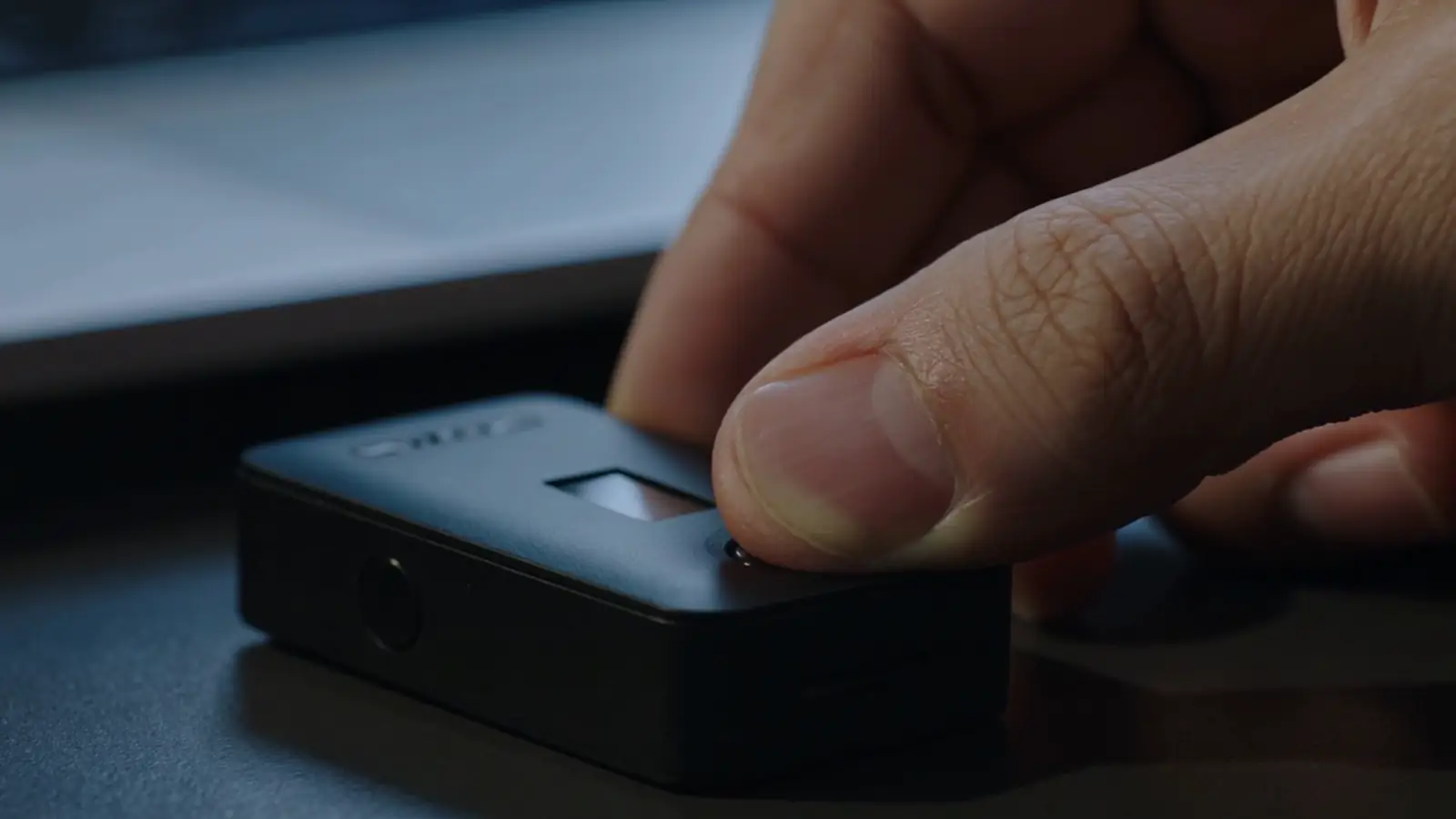
  2. A small matte black hardware wallet with a tiny screen and two buttons, on linen.

    Key 1

    Any hardware wallet

    Ledger, Trezor, Coldcard, Jade, Keystone and other multisig devices. For big payments, changing your rules, and recovery.

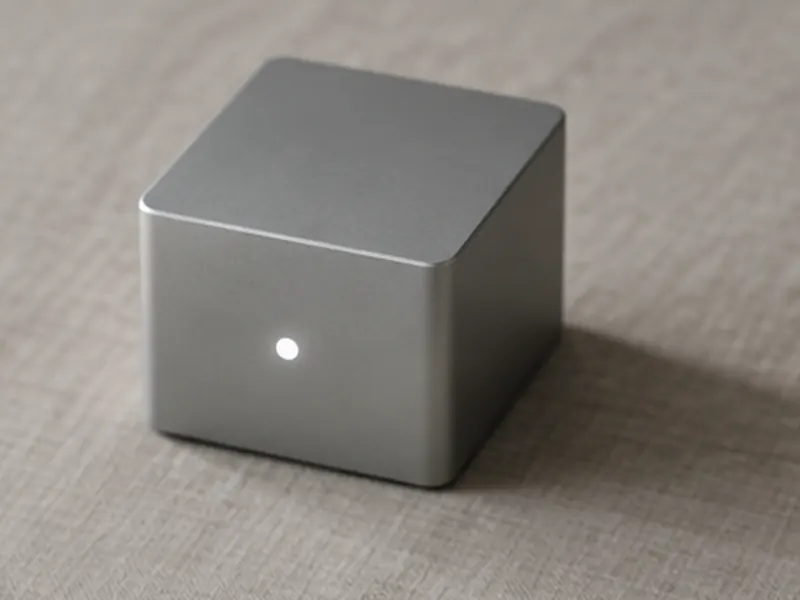
  3. A small grey aluminium home server with one white light, on linen.

    Key 3

    Trikey Guardian

    An app on your own Umbrel or Start9. It co-signs phone payments under a daily limit and runs a 7, 14 or 30-day Delay & Notify recovery.

Under the hood it's a plain wsh(sortedmulti(2,…)) descriptor, so any multisig wallet can recover your funds without Trikey.

How it feels

How it feels

Everyday payments: just your phone and Face ID.

Your guardian at home co-signs anything under the daily limit you set.

The Trikey Review screen for a 50,000 sat payment, with a note: signed by this phone and your guardian, within today's limit, so no hardware wallet needed. A Send with Face ID button.

How it feels

Big ones: confirm on your hardware wallet.

Over the limit, the hardware wallet signs instead of the guardian. Raising the limit needs it too.

The Trikey Approve on your Ledger screen: 1,500,000 sats is over today's limit of 180,000 left, so the hardware wallet signs this one instead of the guardian. Check the address on the device matches.

Lose one? You still have the other two.

Anything suspicious, you and the people you trust hear about it. Every day.

If a key goes missing

Pick a key to lose.

Which key goes missing?

Part 1 · Key 2

Your phone

Your hardware wallet and guardian have you.

Watch part 1 · 0:40

Lost it?

Got your backup? Restore it on a new phone with your passkey. No waiting.

No backup? Your hardware wallet and guardian start a recovery. It waits 7, 14 or 30 days and alerts you and your contacts every day. Any of you can cancel a fake one.

Stolen?

They can spend at most your daily limit. Raising it needs your hardware wallet. Start a recovery and phone-only payments pause.

The Trikey Recovery in progress screen: 5 days 14 hours until your money moves to the new wallet. Started with your Ledger, alerts sent daily, guardian co-signs the move on a set date. Phone-only payments are paused. A Cancel recovery button.

Part 2 · Key 1

Your hardware wallet

Your phone and guardian have you.

Watch part 2 · 0:35

Lost it?

Restore your seed words on a new device. Done.

Stolen?

It's PIN-locked. And even unlocked, it's one key of three. If they try to start a recovery with it, you and your contacts are alerted every day, and you cancel it.

Then restore your seed words and move everything to a fresh wallet with your phone. Keep the seed words somewhere other than the device, and outside your home.

The Trikey recovery alert: Someone started a recovery. It shows when it started, which key it says is lost, and the date money moves, with a red Cancel recovery button.

Part 3 · Key 3

Your home server

Your phone and hardware wallet have you.

Watch part 3 · 0:31

It dies or goes offline?

Your phone and hardware wallet still move any amount. Phone-only payments wait until the guardian is back, or you set up a new guardian and move to a fresh wallet.

Stolen?

It locks itself after any restart: key 3 stays encrypted until you unlock it. Unplugged, it's useless to them. Think it's been tampered with? Lock it from your phone. And it never held your money. Just one key of three.

The Trikey home screen with a Guardian locked card: your Umbrel restarted, so the guardian locked itself, and phone-only payments are paused until you unlock it. You can still send any amount by approving on your hardware wallet.

One key gone. Your bitcoin isn’t.

What it stands for

  • No company holds a key.
  • No server but yours.
  • No one to ask permission.

How it compares

The third way, side by side.

An exchange One hardware wallet Multisig with a company key Trikey
Who holds the keys The exchange You hold one You hold two, a company holds one You hold all three
Single point of failure Yes the company Yes your seed words No No
Everyday payments from your phone Yes No the device signs every time Yes Yes under your daily limit
A stolen phone can drain it Depends on the account Not applicable Usually not: the company's limits apply No at most your daily limit
Recover a lost key without a company No Yes with your seed words No its server takes part Yes any two of your keys
If the company behind it disappears Depends on the company Nothing changes Depends on its exit plan Nothing changes: no company is in the loop

Trikey is coming soon and isn't audited yet. It keeps the everyday ease of multisig with a company key, and gives the third key back to you.

Under the hood

Nobody in the middle. Not even us.

Your phone and your guardian never talk directly, and never through a server of ours. They pass encrypted notes through nostr relays, and both only ever dial out.

Your phone and your guardian each connect out to nostr relays, which pass end-to-end encrypted messages between them. The hardware wallet connects to the phone. The guardian reads the chain from your own Bitcoin node. Key 2 · your phone Key 1 · hardware wallet Bluetooth or QR nostr relays see only ciphertext outbound only outbound only Key 3 · Trikey Guardian your Bitcoin node on your Umbrel or Start9 Your phone and your guardian each connect out to nostr relays, which pass end-to-end encrypted messages between them. The hardware wallet connects to the phone. The guardian reads the chain from your own Bitcoin node. Key 2 · your phone Key 1 · hardware nostr relays see only ciphertext outbound only outbound only Key 3 · Trikey Guardian on your Umbrel or Start9 your node
01 Your own node
The guardian reads the chain from the Bitcoin node and Electrs on your own box. No public servers.
02 Outbound only
Nothing opens a port on your home network. Relays see only ciphertext: they can drop a message, but not read or forge one.
03 Recover anywhere
A plain wsh(sortedmulti(2,…)) descriptor on standard paths. Any multisig wallet can move your coins with two of your keys.
04 Open source
MIT licensed. The wallet, the guardian, the design and the threat model are all public.

Setup, once it ships

Set it up once. Then just use your phone.

  1. Onboarding step 1 of 4, Connect your hardware wallet: Ledger or Trezor over Bluetooth, or scan a QR code for Coldcard Q, Keystone, Passport, Jade and SeedSigner.

    01

    Connect your hardware wallet

    Trikey reads its public key only. Your seed words never leave it.

  2. Onboarding step 2 of 4, Pair your guardian: open Trikey Guardian on your Umbrel or Start9, choose Pair a phone and point the camera at the code.

    02

    Pair your guardian

    Open Trikey Guardian on your Umbrel or Start9 and scan its code. No port forwarding, no shared Wi-Fi.

  3. Onboarding step 3 of 4, Set your daily limit.

    03

    Set your daily limit

    Payments under it need only your phone. Raising it later needs your hardware wallet.

  4. Onboarding step 4 of 4, Back up this phone: pick iCloud Drive, Google Drive, Dropbox or another app. The backup is encrypted on the phone and a passkey unlocks it.

    04

    Back up this phone

    Encrypted on the phone, unlocked by a passkey, kept in the cloud you choose.

Where it stands

Built in public, in this order.

Every step lands in the open repository first. No dates: it ships when it's ready, and not before a security review.

  1. In the repo

    Guardian core

    Nostr RPC, pairing, the policy engine, Delay & Notify, lock and unlock, chain data from your node.

    apps/guardian
  2. In the repo

    Packaging

    A Docker image, an Umbrel community app store entry and a Start9 package skeleton.

    packaging
  3. In the repo

    The phone app

    Onboarding, send and receive, recovery and settings, with Ledger, Trezor and QR devices. Recovery Key mode screens are still a demo.

    apps/mobile
  4. Next

    Testnet and signet beta

    Open testing with coins that have no value.

  5. Before mainnet

    Independent security review

    An outside audit of the wallet, the guardian and the protocol.

  6. After the review

    Mainnet

    Real bitcoin, once the review is done and its findings are fixed.

Questions

Straight answers.

More in the design and threat model.

Is Trikey ready to use?

No. It's pre-alpha and hasn't been audited, so don't use it with real funds. It runs on testnet, signet and regtest while it's built, and there's no release to download yet. An independent security review is planned before mainnet.

Does anyone at Trikey hold one of my keys?

No. All three keys are yours. Nobody runs a server, a guardian or a cosigner for you: the guardian is an app on your own home server.

What if Trikey goes away?

Your wallet is a plain wsh(sortedmulti(2,…)) descriptor on standard BIP 48 paths, and your phone's backup holds it. Any multisig-capable wallet can recover your coins with two of your keys, no Trikey needed.

Do I need a home server?

No. Recovery Key mode keeps key 3 offline, on a printed Recovery Kit or a second hardware wallet, and gives the phone a small spending balance refilled by timelocked, pre-signed refills. Recovery then takes any two keys, with no waiting period.

Which hardware wallets work?

Ledger and Trezor over Bluetooth, and QR devices such as Coldcard, Keystone, Passport, Jade and SeedSigner.

Can the nostr relays see my wallet?

No. Every message is end-to-end encrypted to the other side. A relay can drop messages, but it can't read or forge them. You can use several relays, or run your own.

What if someone hacks my home server?

They get one key of three: the same exposure as a company's cosigning server being breached. They still need a second key to move anything, and the guardian only co-signs phone payments under your limit.

A lit apartment window at night, a small grey box glowing on a shelf inside.

Coming soon. Built in public.